Napkin AI Review 2026: Verified Pricing, the Export Catch & What to Pair It With
Napkin AI's real 2026 pricing (free = 500 credits/week; PPT & SVG export are paid-only), what the text-to-diagram magic actually covers, and how it pairs with a full presentation tool.
Napkin AI had one of the fastest brand rises in the visual-tools space, and the core magic is real: paste your text, and it proposes editable diagrams — flowcharts, pyramids, timelines, mind maps — that actually match the structure of your argument. This review covers what it's genuinely great at, the plan limits that matter (verified from their pricing page, July 2026), and the honest answer to "can it make my presentation?"
Verdict up front
Napkin is the best-known tool for turning prose into a consulting-grade graphic, and its free tier is unusually generous where it counts (500 AI credits per week, unlimited PNG/PDF export). The catches are specific: the formats professionals actually need downstream — PowerPoint and SVG export — are paid-only, and while a Slides feature is now in beta, Napkin remains a visuals tool, not a presentation builder. Most people should use it alongside a deck tool, not instead of one.
What Napkin AI is
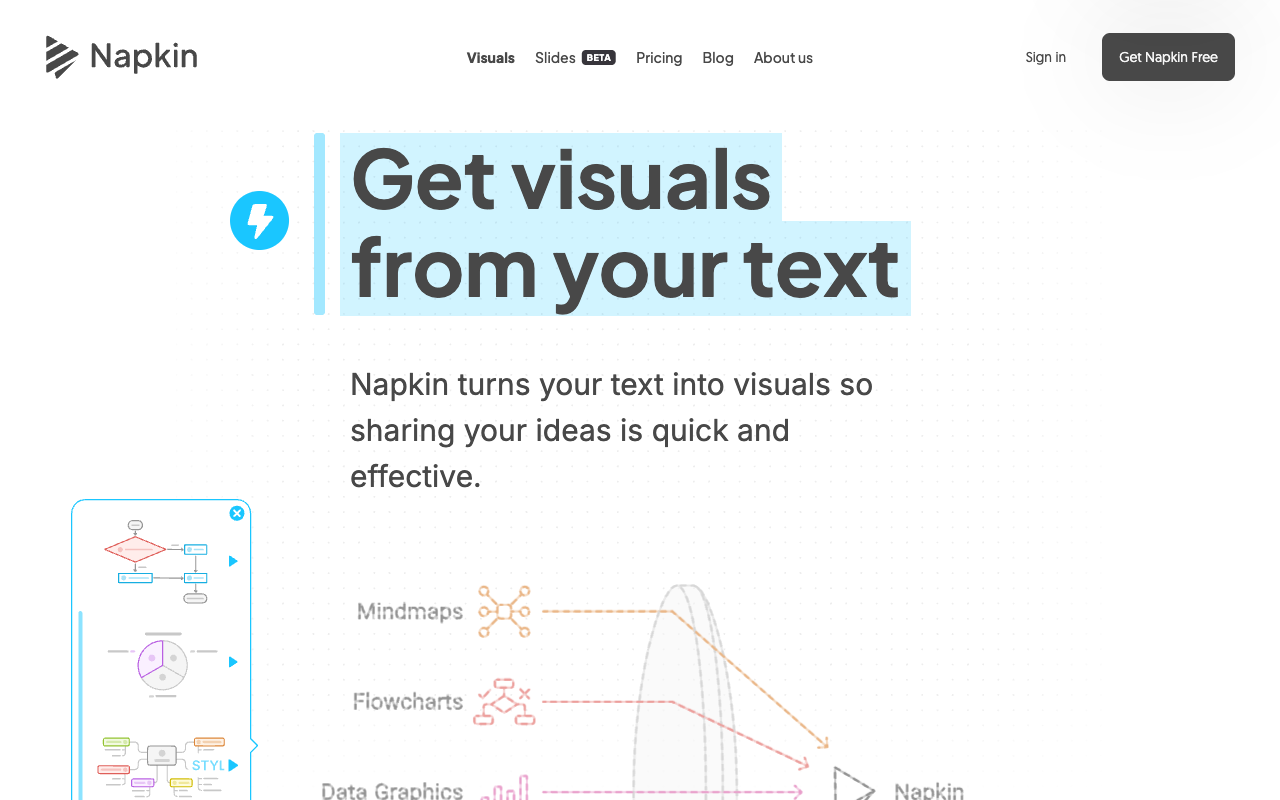
Napkin (napkin.ai) turns written text into editable visuals. Paste a paragraph about your product funnel and it proposes several diagram treatments — each fully editable: colors, icons, connectors, fonts. You can import source material from PPT, DOC, PDF, HTML, or Markdown files (unlimited, even on free), and roughly one AI credit is charged per word you select for generation.

What it does well
- Text-to-diagram quality. The proposals usually match the logic of your argument, not just its keywords — the reason it went viral among consultants and educators.
- Editability. Unlike AI image generators, output is vector-style and editable — fix a label instead of regenerating.
- A genuinely usable free tier. 500 credits/week (≈500 generated words), unlimited visual editing, unlimited file import, unlimited PNG & PDF export. Most casual users never need to pay.
- Low friction. Browser-based, no design skill needed.
The limits that actually matter
- PPT and SVG export are paywalled. Free exports PNG and PDF only — fine for pasting into a deck as an image, but the editable-vector and PowerPoint-native formats require Plus. Free output also carries Napkin branding.
- It makes visuals, not presentations. A Slides feature is in beta, but the product's job is individual graphics — no slide flow, speaker notes, theme system, or 30-slide lecture from a PDF. The deck still has to happen somewhere.
- No data charts from spreadsheets. Napkin illustrates concepts. Excel-to-bar-chart pipelines are a different tool's job.
- Credit math surprises heavy users. One credit per selected word means a long report chews through allowances quickly — the 10,000/month on Plus is roughly 10k generated words.
Pricing (verified from their pricing page, July 2026)
| Plan | Price | AI credits | Exports | Branding |
|---|---|---|---|---|
| Free | $0 forever | 500 / week | PNG, PDF (unlimited) | Napkin branding |
| Plus | $9/person/mo (~$81/yr at 25% off) | 10,000 / month | + PPT, SVG (unlimited) | Removable, 3 brand styles |
| Pro | $22/person/mo (~$198/yr at 25% off) | 30,000 / month | Everything | Unlimited custom branding, font uploads, credit top-ups |
Napkin AI vs ChatSlide — different jobs, honestly
| Napkin AI | ChatSlide | |
|---|---|---|
| Core job | Text → one editable visual | Documents → full deck, video, poster |
| Output | PNG/PDF free; PPT/SVG paid | Editable PPTX, PDF, MP4 video, share link |
| Source material | Pasted text + file import | PDF, Word, Excel, PPTX, URLs, YouTube — 20+ formats |
| Data charts | Concept diagrams | Auto-generated charts from real data |
| Narration | — | AI voice, voice cloning, avatar video |
| Free tier | 500 credits/week | 30 credits refreshed monthly |
Use Napkin when specific passages of a finished deck or document deserve a proper diagram — it's the best tool alive for that sentence-to-graphic moment.
Use ChatSlide when the deck itself doesn't exist yet: upload the source material and get structured slides with charts, speaker notes, and export to editable PowerPoint. The AI diagram maker and AI chart maker cover in-deck visual work; the AI presentation maker builds the deck around it.
Use both — plenty of consultants and educators do: ChatSlide for document-to-deck speed, a few Napkin hero graphics (exported PNG on the free tier) on the slides that matter most.
Frequently asked questions
Is Napkin AI free?
Yes, genuinely: 500 AI credits per week, unlimited editing, and unlimited PNG/PDF export, with Napkin branding. PPT/SVG export and brand removal start at $9/mo.
Can Napkin AI create a whole presentation?
Its Slides feature is in beta, but the product's strength is individual visuals you place into slides. For prompt-to-deck or document-to-deck, use a presentation generator and bring Napkin in for specific graphics.
How do Napkin credits work?
Roughly one credit per word you select for generation — so allowances are effectively "generated words per week/month."
Can I export Napkin visuals to PowerPoint?
Natively only on paid plans (PPT export is a Plus feature). On free, export PNG and place it manually — or generate the deck itself as native editable PowerPoint with the AI PowerPoint generator.
Comparing full presentation tools instead? See the Gamma AI review, Beautiful.ai review, SlidesAI review, and the 100-tool comparison.
Author
2026/07/14


