
Quick Answer: ChatSlide is an AI strategy presentation maker that turns your analysis, priorities, and financial targets into a structured strategy deck in under 2 minutes — importing from your research and spreadsheets, building real charts from your data, and giving you 19 AI editing tools to make it leadership-ready.
The Strategy Deck Problem
A strategy deck carries a lot of weight: it has to argue a point of view, back it with analysis, and commit the org to a set of priorities. It pulls from market research, financials, and internal input, and it goes through many revisions before it survives the leadership review.
Strategy decks have requirements generic tools miss:
- A logical argument — context, analysis, options, recommendation, plan, targets
- Supporting data — market sizing, financials, scenarios charted from your numbers
- Frameworks — SWOT, options matrices, OKRs, initiative roadmaps
- Mixed inputs — research PDFs, financial models, internal docs
- Precision — leadership reads closely and pushes back hard
Generic tools like Gamma, Tome, or Beautiful.ai produce marketing slides but often need more manual work to chart your scenarios or hold a rigorous strategic argument.
What Makes ChatSlide Work for Strategy
Real Charts and Frameworks from Your Data
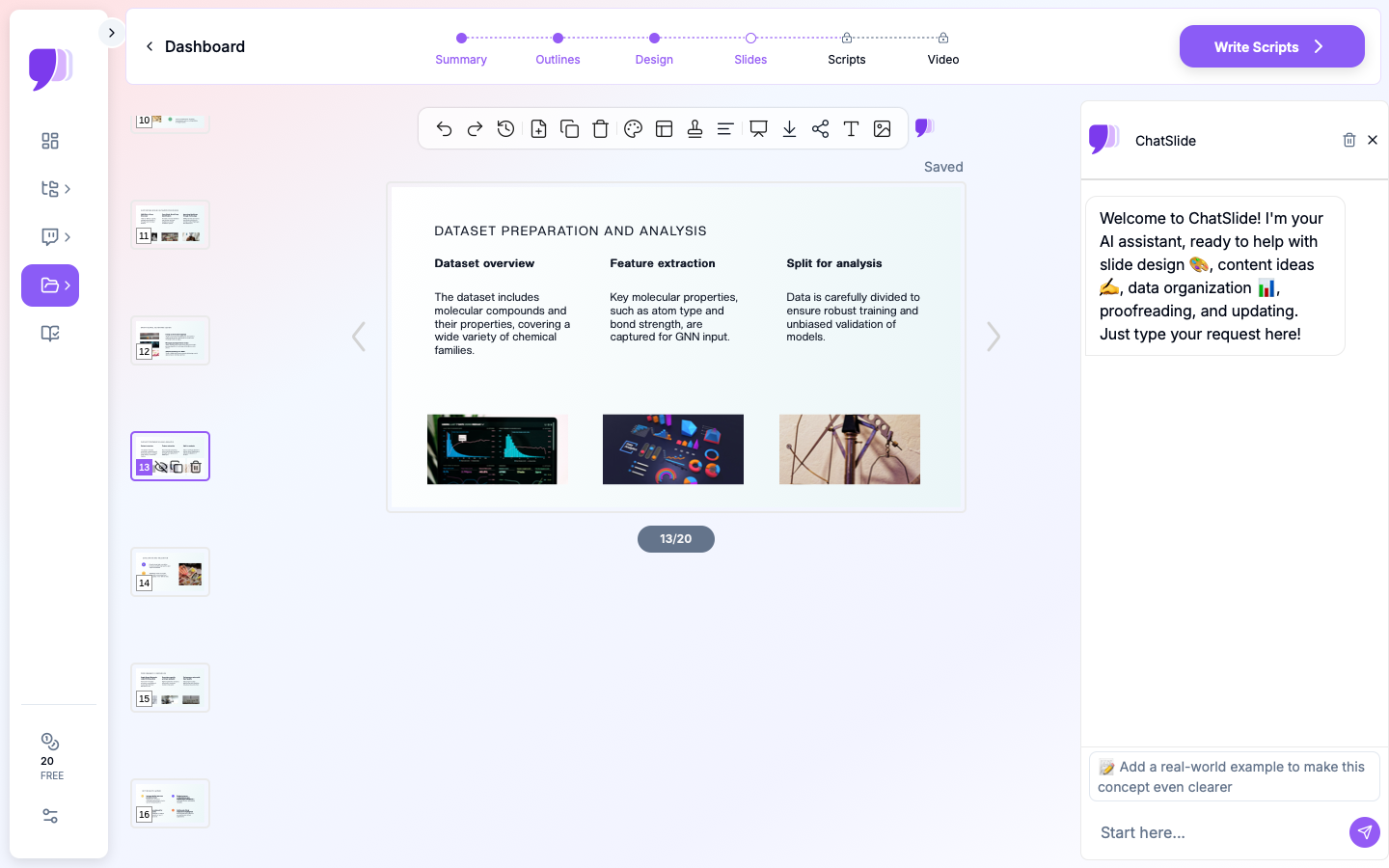
ChatSlide renders charts with Chart.js and D3 from your actual numbers — market sizing, scenario models, initiative impact/effort — and builds framework slides (SWOT, options matrices, OKR tables) from your inputs.
3 Input Modes
- File Upload — research PDFs, financial models, internal docs, prior decks (7+ file types, OCR).
- Web and URL — pull in market data or a competitor analysis.
- Text Prompt — describe the thesis and let the AI build the argument.
A Consistent Strategic Structure
Describe your flow — context, analysis, options, recommendation, plan, targets — and the AI builds to it, drawing on prior strategy work stored in your persistent knowledge base.
19 AI Editing Tools
"Add a SWOT slide," "Build a scenario comparison chart," "Turn priorities into an OKR table," "Tighten the recommendation to one slide." Four editing modes and batch editing keep the argument tight.
How ChatSlide Builds a Strategy Deck
- Gather inputs — upload research and financials; or describe the thesis.
- AI structures it — into a logical argument with real charts and frameworks.
- Edit with 19 tools — sharpen the argument, add the analysis, build the plan.
- Present and share — export to PowerPoint/PDF or share with leadership.
Frequently Asked Questions
Can it build framework slides like SWOT or OKRs?
Yes. Provide your inputs and the AI builds SWOT, options matrices, and OKR tables, plus real data charts.
Can it chart scenarios and financials?
Yes. Provide the numbers and ChatSlide renders real charts with Chart.js and D3.
Can I import research and financial models?
Yes — 7+ file types with OCR, structured into a strategy flow.
Can I keep it consistent across planning cycles?
Yes. Prior strategy decks persist in your knowledge base.
Can leadership review it async?
Yes. Share a link or export a narrated video.
The Strategy Deck: Slide-by-Slide Outline
Strategy is an argument, not a list of framework slides. One coherent flow:
- Context — the situation and why it demands a decision now
- The core question — the strategic choice on the table
- Analysis — market, competition, and internal capability (a SWOT or Porter view earns its place only if it drives the recommendation)
- Options — the 2–3 real paths, with trade-offs
- Recommendation — the path you're choosing, and why
- The plan — initiatives, sequencing, owners
- Targets & scenarios — what success looks like, with a downside case
- Risks & what we'd need to believe
Tip: frameworks (SWOT, OKRs, matrices) are evidence for the argument, not a substitute for it — cut any that don't change the recommendation.
Getting Started
Try ChatSlide for Strategy Presentations — Import your analysis and targets and get a leadership-ready strategy deck in minutes. Free to start, no credit card required.
ChatSlide is a general-purpose AI presentation platform. Multi-format import, real data charts, framework slides, a persistent knowledge base, and 19 AI editing tools make it well-suited to strategic planning and leadership reviews.