Quick Answer: ChatSlide is an AI workshop presentation maker that turns your topic, agenda, and source material into an interactive workshop deck in under 2 minutes — with facilitation-ready speaker notes, activity and discussion slides, real charts from your data, and 19 AI editing tools to pace it for a live group.
The Workshop Deck Problem
A workshop is not a lecture — it has to keep a room active for an hour or a day, alternate teaching with exercises, and give the facilitator a script to run it. Building one means turning source material into a paced agenda with activities, timing, and notes, usually the night before.
Workshop decks have requirements generic tools miss:
- A facilitation flow — intro, teach, activity, debrief, repeat, close — with timing
- Activities and prompts — discussion questions, exercises, breakouts
- Facilitator notes — a script to run each segment, not just bullets
- Mixed inputs — a framework doc, slides from last time, reference material
- Pacing — one idea per slide, visuals that read across a room
Generic tools like Gamma, Tome, or Beautiful.ai make static slides but often need more manual work to write facilitator notes or structure a paced, activity-driven session.
What Makes ChatSlide Work for Workshops
Facilitator Notes You Can Run From
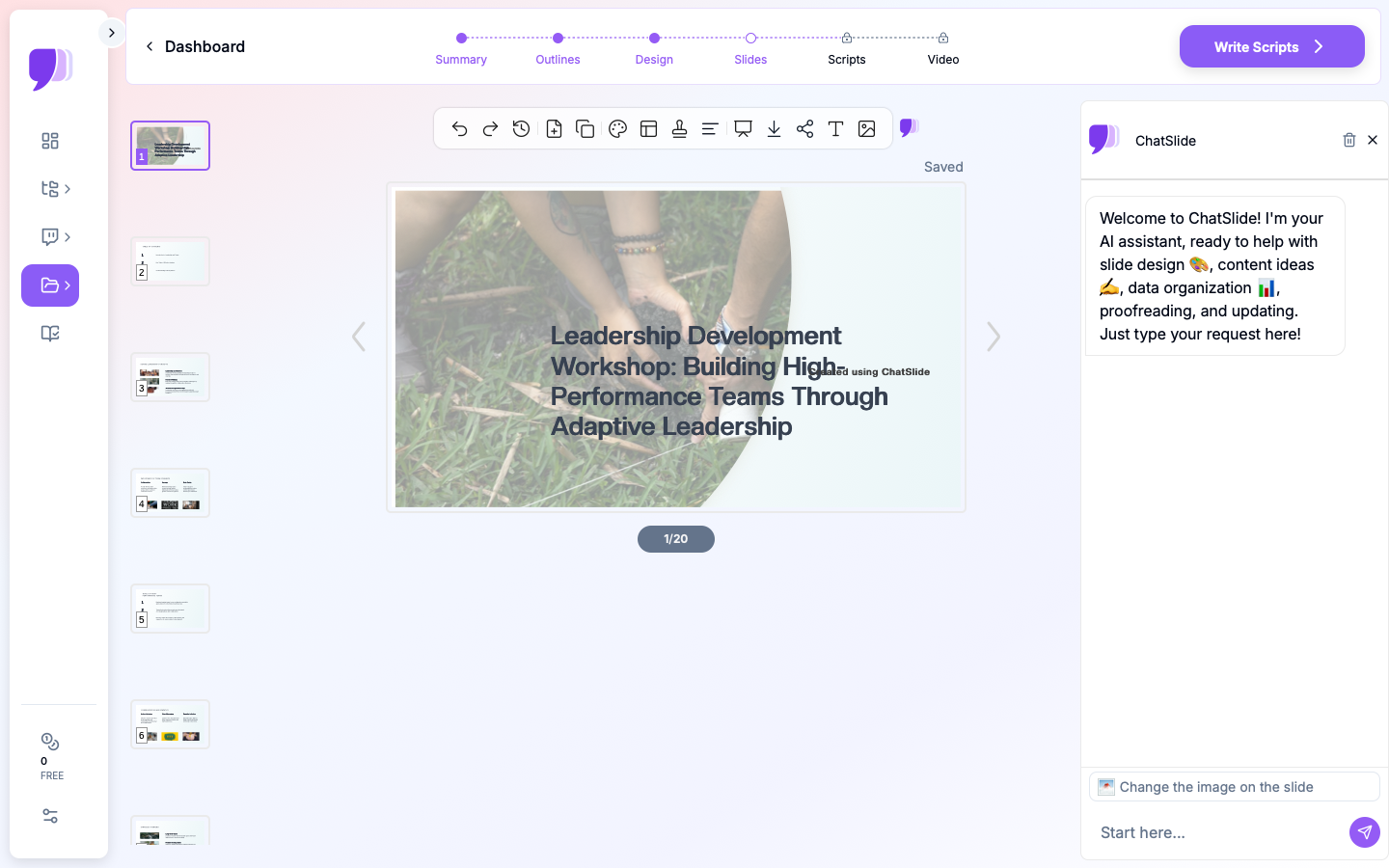
ChatSlide generates speaker notes as a deliverable facilitation script — ask for "facilitator notes with timing for a 90-minute workshop" and refine the tone until you can run the room from them.
3 Input Modes
- File Upload — framework docs, reference PDFs, prior workshop slides (7+ file types, OCR).
- Web and YouTube URL — pull content from an online talk or resource.
- Text Prompt — describe the topic, audience, and length and let the AI build the agenda.
Activities, Not Just Slides
Ask the AI to insert discussion prompts, exercises, and debrief slides on a cadence, so the session stays interactive. Real charts render from any data you provide with Chart.js and D3.
19 AI Editing Tools
"Add a breakout activity every 20 minutes," "Insert a discussion question after each concept," "Rewrite notes for a novice audience," "Add a timing column." Four editing modes and batch editing keep the pacing right.
Reuse and Deliver Async
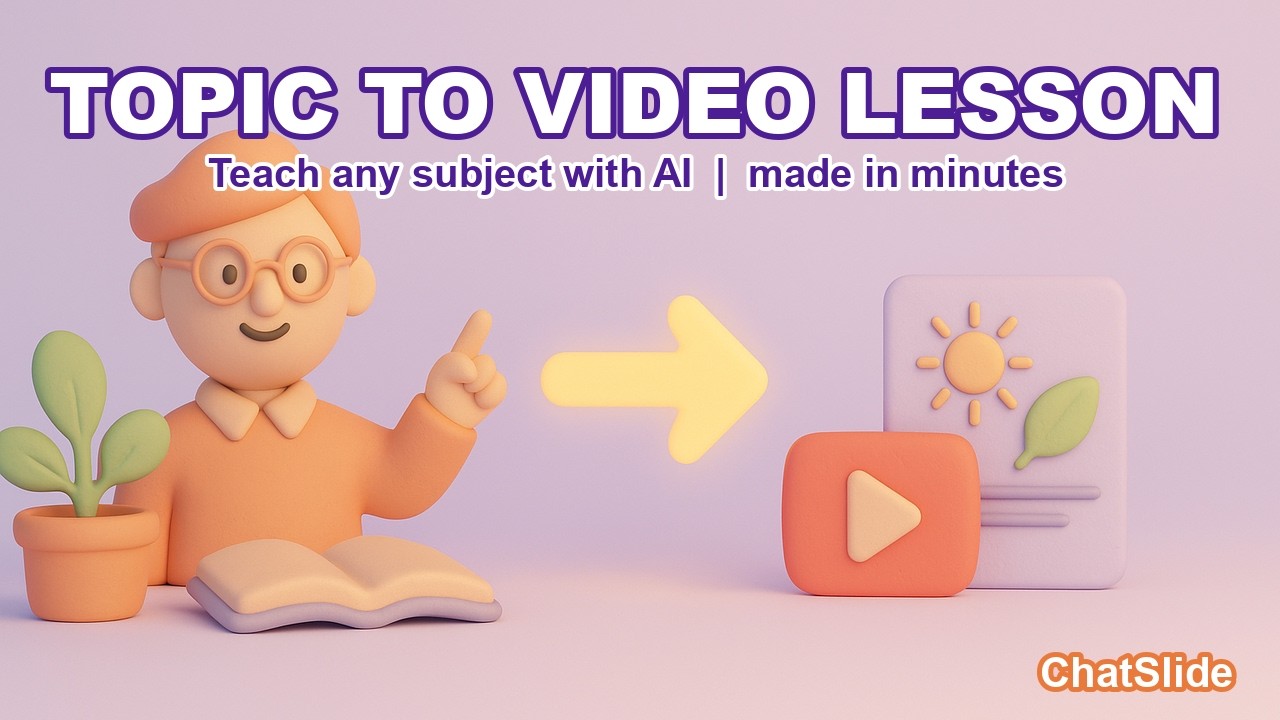
Export a narrated AI-avatar video so the workshop works as a self-paced module for people who missed it.
How ChatSlide Builds a Workshop Deck
- Bring your material — upload frameworks and references, or describe the topic and length.
- AI builds the agenda — teach/activity/debrief flow with facilitator notes and timing.
- Edit with 19 tools — add exercises, pace the session, tune the notes.
- Facilitate and reuse — present live, then export a narrated video for self-paced learners.
Frequently Asked Questions
Can it write facilitator notes?
Yes. ChatSlide generates deliverable facilitation notes with timing, at the length and tone you specify.
Can it add activities and discussion prompts?
Yes. Ask the AI to insert exercises, breakouts, and debrief slides on a cadence.
Can I import my existing framework?
Yes — 7+ file types with OCR, structured into a workshop agenda.
Can I make a self-paced version?
Yes. Export a narrated avatar video for async delivery.
Can co-facilitators collaborate?
Yes — Teams, Folders, Sharing, and Embed.
The Workshop Deck: Slide-by-Slide Outline
A workshop is paced in blocks, not slides. A 90-minute example:
- Welcome & objectives (5 min) — what they'll be able to do by the end
- Icebreaker / context (10 min)
- Teach block 1 (15 min) — one concept
- Activity 1 (15 min) — apply it (exercise or breakout)
- Debrief (5 min) — surface insights
- Teach block 2 + Activity 2 (25 min) — repeat the teach → do → debrief loop
- Synthesis (10 min) — pull it together
- Commitments & close (5 min) — each participant names one action
Design tip: many facilitators aim to spend a large share of the time — often 40% or more — on activities rather than lecture. A workshop deck should carry facilitator notes with timing in the speaker notes, not just slide bullets.
Getting Started
Try ChatSlide for Workshop Presentations — Bring your topic and get an interactive workshop deck with facilitator notes in minutes. Free to start, no credit card required.
ChatSlide is a general-purpose AI presentation platform. Auto-generated speaker notes, multi-format import, avatar video, and 19 AI editing tools make it well-suited to workshops and facilitated sessions.