
Quick Answer: ChatSlide is an AI product launch presentation maker that turns your positioning docs, GTM plan, and launch metrics into a polished launch deck in under 2 minutes — importing from your existing docs and spreadsheets, building real charts from your data, and giving you 19 AI editing tools to tighten the story before the launch review.
The Product Launch Deck Problem
A launch deck has to align a lot of people fast: leadership on the bet, marketing on the message, sales on the pitch, and the team on the plan. It pulls from a dozen inputs — the PRD, positioning doc, market research, the GTM timeline, pricing — and it's usually rebuilt from scratch for every launch.
A launch deck has requirements generic AI tools miss:
- A launch narrative — problem, positioning, differentiation, GTM motion, timeline, metrics, asks
- Real numbers — TAM, pricing, forecast, and early results charted from your data
- Multiple source docs — PRD, research, spreadsheets, prior decks
- On-brand consistency — the deck represents the product to execs and the field
- Speed — launches move, and the deck changes weekly
Generic tools like Gamma, Tome, or Beautiful.ai make marketing slides but are not built to import your PRD, chart your forecast, or hold a consistent launch structure.
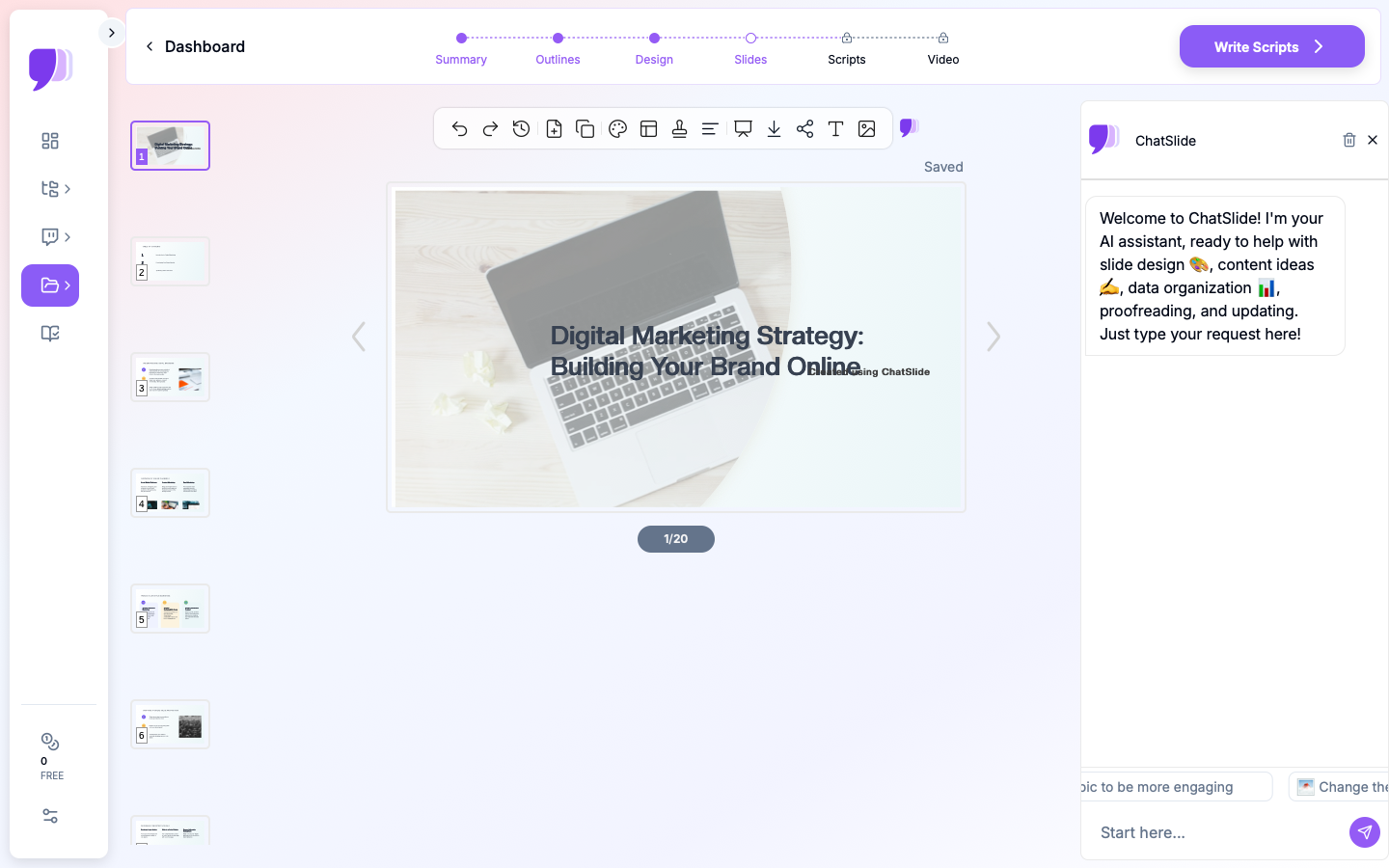
What Makes ChatSlide Work for Product Launches
3 Input Modes for Every Launch Input
- File Upload — PRDs, positioning docs, research PDFs, pricing spreadsheets, prior decks (7+ file types, OCR for scans).
- Web and URL — pull in a competitor page, a market-research link, or a metrics export.
- Text Prompt — describe the launch and audience and let the AI draft the flow.
Real Charts from Your Data
ChatSlide renders charts with Chart.js and D3 from your actual numbers — TAM/SAM/SOM, pricing tiers, forecast, early-adopter results — real visualizations, not stock graphics.
A Consistent Launch Structure
Describe your launch flow once — problem, positioning, differentiation, GTM, timeline, metrics, asks — and the AI builds to it, drawing on prior decks stored in your persistent knowledge base.
19 AI Editing Tools
"Add a competitive positioning matrix," "Turn the timeline into a Gantt view," "Tighten the messaging to one line per pillar," "Build an appendix from the research." Four editing modes and batch editing keep it consistent.
Repurpose the Launch
Export a narrated AI-avatar video of the deck for the field enablement portal or an async exec update — the launch story becomes a reusable asset.
How ChatSlide Builds a Launch Deck
- Gather inputs — upload the PRD, positioning, and data; or describe the launch.
- AI structures it — into your launch narrative, with real charts and consistent branding.
- Edit with 19 tools — sharpen positioning, pace the story, build the appendix.
- Present and repurpose — export to PowerPoint/PDF, or a narrated video for enablement.
Frequently Asked Questions
Can it import my PRD and positioning docs?
Yes — upload PDFs, Word docs, and prior decks (7+ file types, OCR for scans), and the AI structures them into the launch flow.
Will it chart my forecast and pricing?
Yes. Provide the numbers and ChatSlide builds real charts with Chart.js and D3, not placeholders.
Can I keep it on-brand across launches?
Yes. Prior decks persist in your knowledge base, so each launch builds on your established structure and style.
Can sales and marketing collaborate on it?
Yes — Teams, Folders, Sharing, and Embed support cross-functional co-building.
Can I make an async version for the field?
Yes. Export a narrated avatar video so the launch story works as self-serve enablement.
The Product Launch Deck: Slide-by-Slide Outline
A launch-review deck that aligns leadership, marketing, and sales:
- The bet — what we're launching and why now
- The problem — the customer pain, sized
- Target customer (ICP) — who it's for
- Positioning & message hierarchy — the one-liner, then the pillars
- Differentiation — why us over the alternatives
- The product — what it does, in a screenshot or two
- Go-to-market motion — channels, pricing, sales enablement
- Launch timeline & phases — pre-launch, launch, post-launch, with owners
- Readiness checklist — what has to be true to ship
- Success metrics — how we'll know it worked
- Risks & asks — what could slip and what you need
Tip: name an owner on every timeline slide — unowned launch tasks slip.
Getting Started
Try ChatSlide for Product Launch Presentations — Import your positioning and GTM plan and get a launch-ready deck with real charts in minutes. Free to start, no credit card required.
ChatSlide is a general-purpose AI presentation platform. Multi-format import, real data charts, a persistent knowledge base, avatar video, and 19 AI editing tools make it well-suited to product launches and GTM reviews.