
Quick Answer: ChatSlide is an AI roadmap presentation maker that turns your priorities, timeline, and backlog into a clear roadmap deck in under 2 minutes — importing from your planning docs and spreadsheets, building timeline and status visualizations, and giving you 19 AI editing tools to make it stakeholder-ready.
The Roadmap Deck Problem
A roadmap deck has to do something hard: show direction without overpromising, to an audience (execs, customers, the team) that each wants a different altitude. It pulls from the backlog, the planning spreadsheet, and last quarter's roadmap, and it gets rebuilt every planning cycle.
Roadmap decks have requirements generic tools miss:
- Timeline visualization — quarters, phases, milestones, dependencies
- The right altitude — themes for execs, features for the team, outcomes for customers
- Status and priority — now/next/later, confidence, effort
- Mixed inputs — a planning spreadsheet, a strategy doc, the prior roadmap
- Consistency — this cycle has to line up with last cycle
Generic tools like Gamma, Tome, or Beautiful.ai make static slides but often need more manual work to build a timeline from your data or hold roadmap structure across cycles.
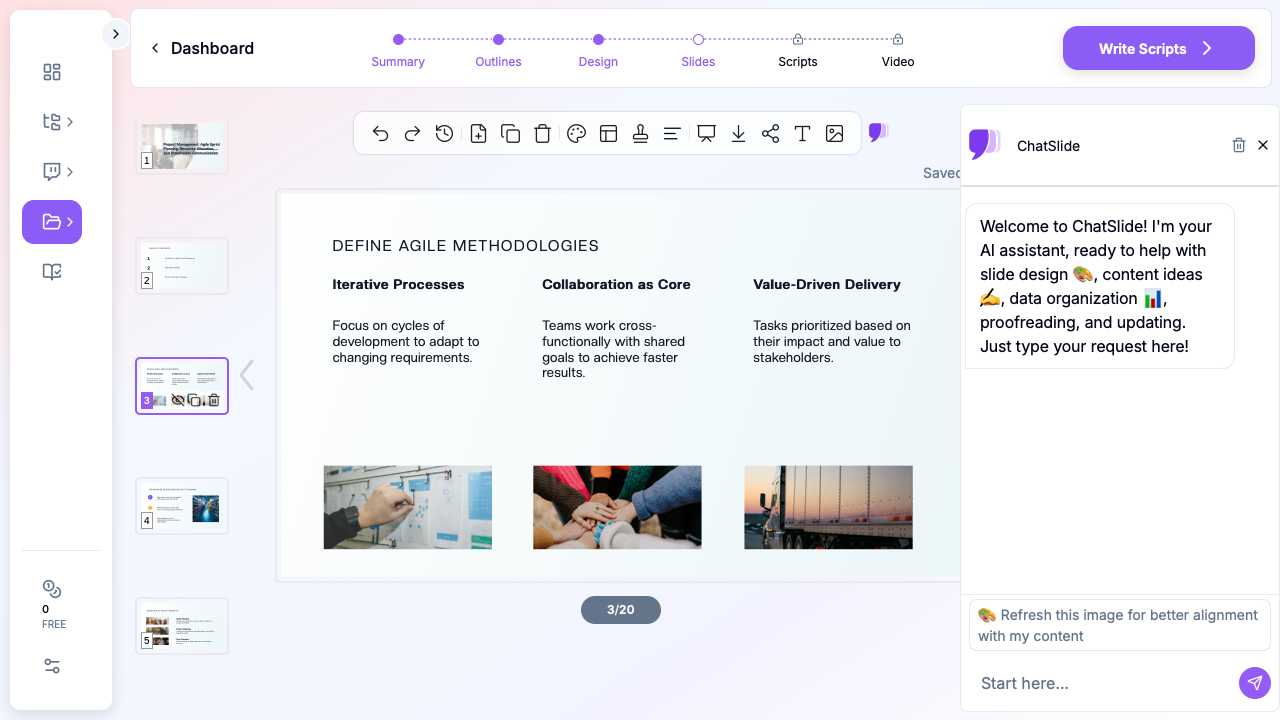
What Makes ChatSlide Work for Roadmaps
Timeline and Status Visualizations from Your Data
Provide your phases and priorities and ChatSlide builds timeline and status visualizations with Chart.js and D3 — now/next/later views, quarterly Gantt-style timelines, effort/impact charts — from your actual plan.
3 Input Modes
- File Upload — planning spreadsheets, strategy docs, prior roadmaps (7+ file types, OCR).
- Web and URL — pull in a project export or a linked plan.
- Text Prompt — describe the themes and timeline and let the AI draft it.
Multiple Altitudes, One Source
Ask for an exec theme view and a team feature view from the same inputs — the AI reframes altitude while your plan and prior roadmaps persist in your knowledge base for continuity.
19 AI Editing Tools
"Turn this into a now/next/later view," "Add a quarterly timeline," "Group features by theme," "Add a dependencies slide." Four editing modes and batch editing keep it consistent.
How ChatSlide Builds a Roadmap Deck
- Gather inputs — upload the plan and prior roadmap; or describe the themes.
- AI structures it — into timeline and status views at the altitude you choose.
- Edit with 19 tools — reframe, regroup, add dependencies.
- Present and share — export to PowerPoint/PDF or share a link with stakeholders.
Frequently Asked Questions
Can it build a timeline from my plan?
Yes. Provide your phases and dates and ChatSlide builds timeline and Gantt-style visualizations with Chart.js and D3.
Can I make exec and team versions?
Yes. The AI reframes altitude — themes for execs, features for the team — from the same source inputs.
Can I import my planning spreadsheet?
Yes — 7+ file types with OCR, structured into a roadmap flow.
Can I keep it consistent each cycle?
Yes. Prior roadmaps persist in your knowledge base, so each cycle builds on the last.
Can stakeholders review it async?
Yes. Share a link or export a narrated video.
The Roadmap Deck: Slide-by-Slide Outline
An outcome-based roadmap that informs without overpromising:
- Vision — where the product is headed in a sentence
- Strategic themes — the 3–4 outcomes you're organizing around
- Now / Next / Later — initiatives by horizon, not hard dates
- Timeline view — quarters and milestones (dates as directional, not commitments)
- Dependencies — what blocks what
- What we're NOT doing — the explicit trade-offs
- Success metrics — how each theme is measured
Altitude matters: show execs the themes and outcomes; show the team the features and sequencing. State clearly that roadmap dates are intent, not guarantees — it protects credibility.
Getting Started
Try ChatSlide for Roadmap Presentations — Import your plan and get a clear roadmap deck with timelines in minutes. Free to start, no credit card required.
ChatSlide is a general-purpose AI presentation platform. Multi-format import, timeline and data visualization, a persistent knowledge base, and 19 AI editing tools make it well-suited to product and strategy roadmaps.