
Quick Answer: ChatSlide is an AI webinar presentation maker that turns a topic, a document, or a past talk into a polished, engagement-ready webinar deck in under 2 minutes — with real data charts, auto-generated speaker notes, and the option to export a narrated video with an AI avatar for on-demand replays.
The Webinar Deck Problem
A webinar has to hold a distracted, remote audience for 30–60 minutes, land a clear takeaway, and often generate leads at the end. That's a lot to carry, and the deck is where most of it lives — usually built on a deadline between promoting the webinar and rehearsing it.
The specific challenge: a webinar deck is different from an internal presentation.
- Engagement pacing — a strong hook, one idea per slide, visuals that read on a shared screen
- Speaker notes — a script you can actually deliver live, not just bullet points
- Real data — charts from your numbers to build credibility with the audience
- A clear CTA — the offer, demo, or next step the webinar is driving toward
- Reusable assets — most webinars live on as an on-demand replay and a clip library
Generic tools like Gamma, Tome, or Beautiful.ai produce static marketing slides. They don't write you a deliverable script or turn the finished talk into a narrated replay.
What Makes ChatSlide Work for Webinars
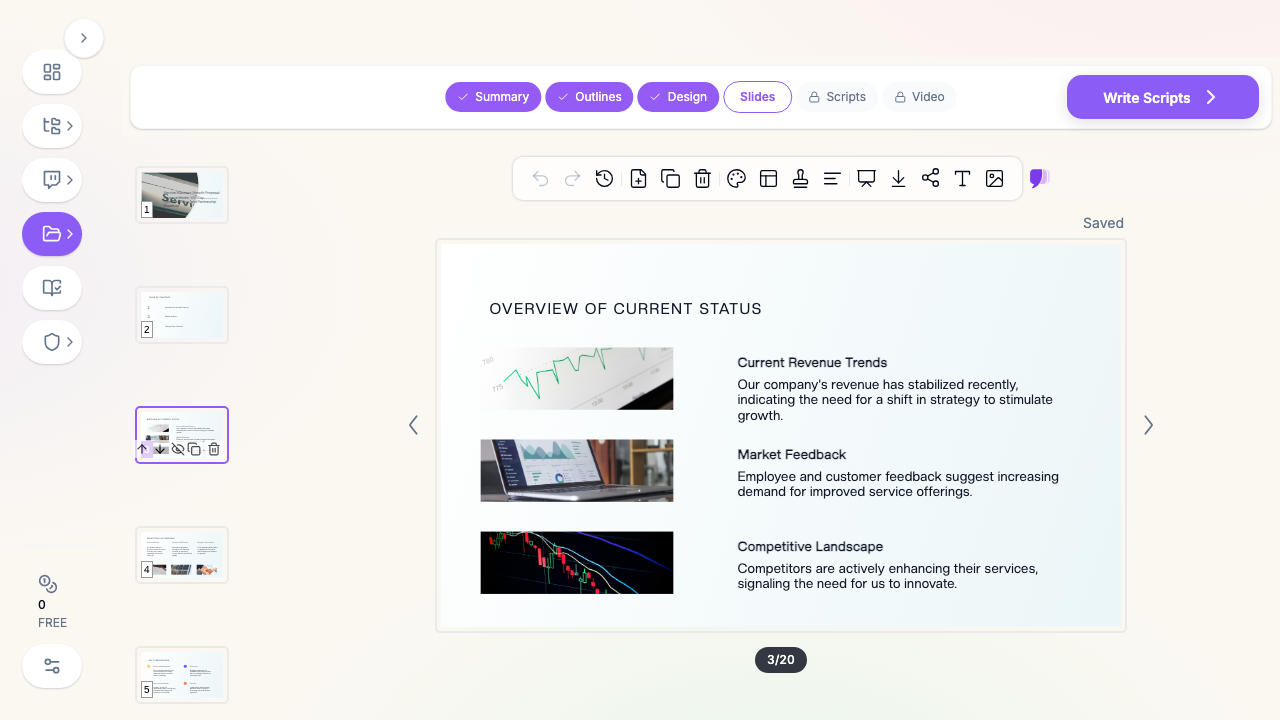
3 Input Modes — Including a Past Recording
- File Upload — Upload a whitepaper, a product one-pager, a data export, or last quarter's deck (7+ file types, with OCR for scans).
- Web and YouTube URL — Paste the URL of a past webinar or a YouTube talk and ChatSlide extracts the content to rebuild it as a fresh deck.
- Text Prompt — Describe the topic and audience and let the AI draft the full flow.
Running a recurring webinar? Point ChatSlide at last month's recording and spin up this month's deck from it.
Speaker Notes You Can Actually Present
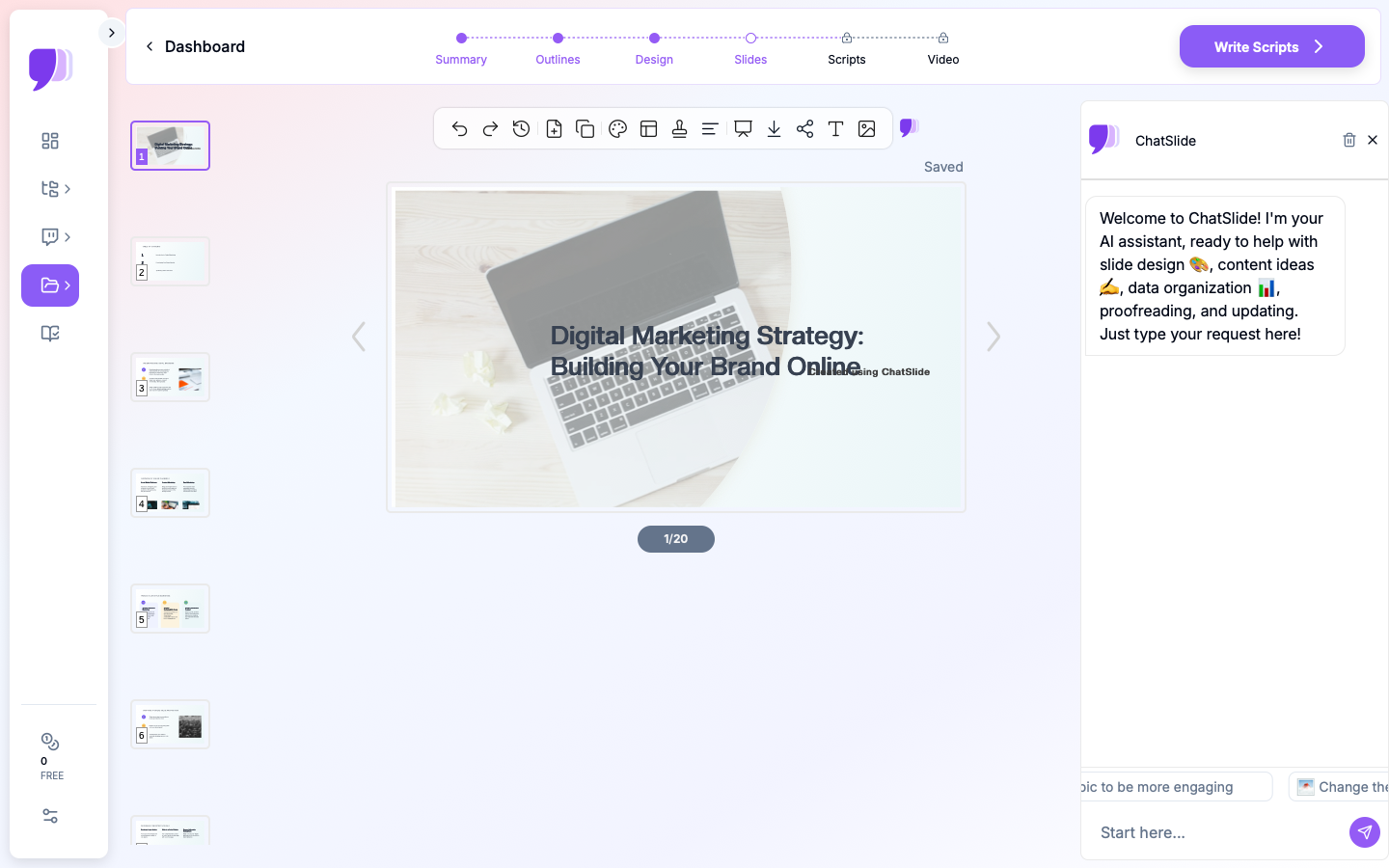
ChatSlide generates speaker notes alongside the slides — a deliverable script, not just bullets. Ask it to "write conversational speaker notes for a 45-minute webinar" and refine the tone with the editing tools until it sounds like you.
Real Charts for Credibility
Charts render from your actual data with Chart.js and D3 — market data, benchmark results, customer outcomes — real visualizations that build trust with a live audience, not decorative placeholders.
Turn the Webinar into an On-Demand Replay
After the live session, export a narrated video with an AI avatar so the webinar becomes an evergreen asset — an on-demand replay, a landing-page video, and short clips — without re-recording yourself.
19 AI Editing Tools
"Add a stronger hook slide," "Turn this into one-idea-per-slide," "Insert a poll question every five slides," "Rewrite the CTA slide around a free trial." Four editing modes and batch editing keep the whole deck on-message.
How ChatSlide Builds a Webinar Deck
Step 1: Bring Your Material
Upload source docs, paste a past webinar URL, or describe the topic and audience.
Step 2: AI Builds the Flow
The AI structures a hook → body → proof → CTA flow, writes speaker notes, and charts any data you provide.
Step 3: Edit with 19 AI Tools
Sharpen the hook, pace the slides for a remote audience, and dial in the CTA.
Step 4: Present, Then Repurpose
Present live from the browser or your webinar platform, then export a narrated avatar video for the on-demand replay.
Frequently Asked Questions
Can it write speaker notes for the webinar?
Yes. ChatSlide generates deliverable speaker notes alongside the slides, and you can set the length and tone (e.g. "conversational, 45 minutes").
Can I reuse a past webinar?
Yes. Paste the YouTube or web URL of a previous talk and ChatSlide extracts the content to rebuild it as a new deck.
Can it make an on-demand replay?
Yes. Export a narrated video with an AI avatar so the webinar becomes an evergreen replay and clip library without re-recording.
Will the charts use my real data?
Yes. Provide your numbers and ChatSlide builds real charts with Chart.js and D3 — not stock graphics.
What formats can I export?
PowerPoint and PDF for the slides, plus narrated video for the replay. Present live from the browser or import into your webinar platform.
Can my team collaborate on it?
Yes — Teams, Folders, Sharing, and Embed support co-building and distributing the finished webinar.
The Webinar Deck: Slide-by-Slide Outline
A 45-minute webinar that holds attention and converts:
- Title & promise — the specific outcome the attendee leaves with
- Hook — a surprising stat, question, or story in the first 60 seconds
- Who you are — 20 seconds of credibility, then move on
- Agenda — three things they'll learn 5–8. Core content — one idea per slide, a visual per slide, a poll or question every ~10 minutes
- Proof — a case study or data slide that earns trust
- Demo or walkthrough — show, don't tell
- Recap — the three takeaways
- Clear CTA — one next step (trial, demo, download)
- Q&A — seed 2–3 questions in case the room is quiet
Tip: a CTA tends to land best when it solves the exact problem the webinar just taught.
Getting Started
Try ChatSlide for Webinar Presentations — Bring a topic or a past recording and get a polished webinar deck with speaker notes in minutes. Free to start, no credit card required.
ChatSlide is a general-purpose AI presentation platform. Features like YouTube/URL import, auto-generated speaker notes, real data charts, avatar video export, and 19 AI editing tools make it well-suited to webinars and on-demand content.