Why Are People Canceling Decktopus?
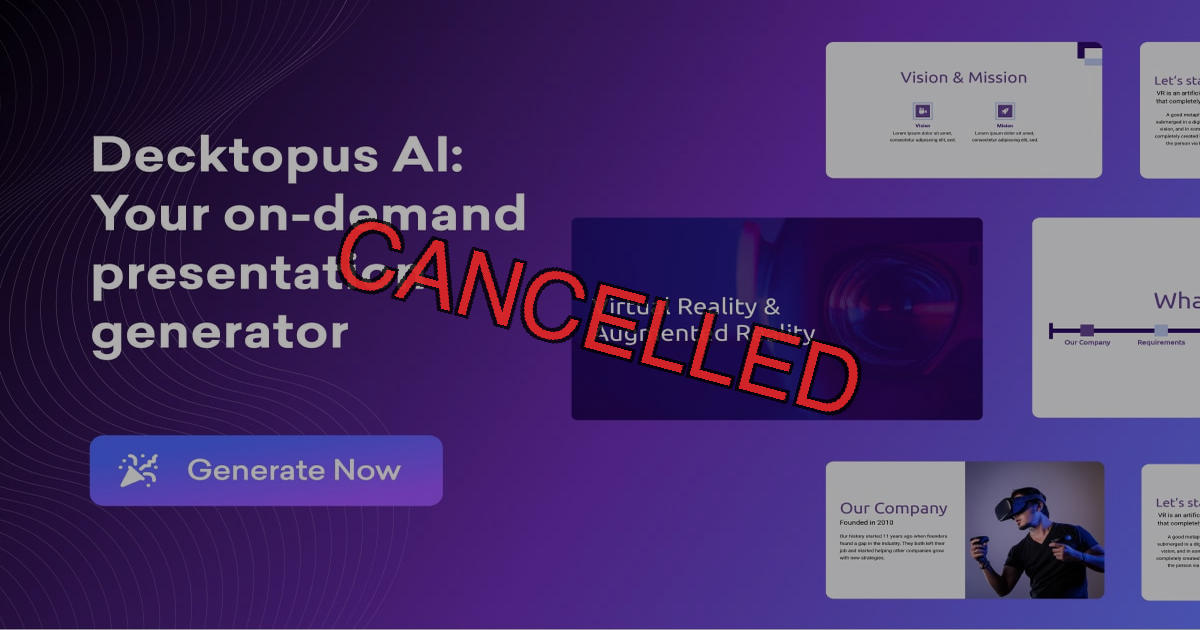
Decktopus has a 3.1 out of 5 rating on Trustpilot, with reviewers frequently warning about the misleading cancellation process.
One user described the deceptive cancel flow:
"I attempted to cancel my subscription and pressed the cancel subscription button. Instead of completing the process, I was taken to a feedback form. Assuming closing this would finalise cancellation, I exited -- only to discover two months later that I had still been charged."
Another tried to cancel within minutes:
"I canceled the subscription within 10 minutes but when asked for a refund they said they can't do that."
And on the lack of transparency:
"I'm genuinely impressed by how skillfully they've crafted their signup process to maximize payments while minimizing transparency. No trial period offered."
How to Cancel Decktopus
Method 1: Through the Dashboard
According to Decktopus's help page:
- Log in to your Decktopus account
- Click your profile icon in the dashboard
- Select "Subscription" from the dropdown
- Under your current plan, click "Subscription Settings"
- Click the "Cancel the plan" button on the right side
- Important: A feedback form may appear. Closing this form does NOT cancel your subscription. You must go back and verify the cancellation completed.
- Confirm your account shows a "canceled" status with an expiration date
See also: View and Manage Your Subscription
Method 2: Email Support
- Email: support@decktopus.com
- Live chat is also available on their website
- Users report slow or unhelpful responses, especially for refund requests
Method 3: Block the Charges
If the dashboard cancellation didn't work:
- Contact your bank to block future Decktopus charges
- Some users report having to change their credit card number to stop charges
- File a dispute for any charges made after your cancellation attempt
How to Request a Decktopus Refund
Decktopus has a strict no-refund policy. From their pricing page:
"We do not offer refunds for monthly subscriptions, and this applies to the full month without exceptions. The same no-refund policy applies to annual subscriptions, where you are committed to the entire year, and unused months are not eligible for refunds."
From their Terms of Service (Section 3.4):
"No Refunds. The terms and conditions governing refunds for our subscription services, which specify that refunds are not available for both monthly and annual subscriptions."
There is no free trial, so you pay before you can evaluate the product. Combined with no refunds, this is a significant risk.
What Were People Complaining About?
Beyond billing issues, common product complaints include:
- Cannot upload PowerPoint files as templates
- Cannot export slides in editable PPT format
- Limited personalization -- no custom logos, screenshots, or advanced layouts on lower tiers
- Buggy software -- uploading media causes crashes and slowdowns
- AI quality degrades with more descriptive prompts
- AppSumo buyers report broken promises (unlimited seats restricted, old decks made unusable in V3 upgrade)
Better Alternatives to Decktopus
If you're leaving Decktopus because of the misleading cancel flow, no refunds, and no free trial, ChatSlide offers a transparent experience.
| Feature | Decktopus | ChatSlide |
|---|---|---|
Trustpilot Rating | 3.1/5 | 4.0/5 |
Refund Policy | "No refunds" on monthly or annual | 14-day money-back guarantee |
Free Trial | None | Functional free tier |
Cancellation | Misleading feedback form trap | Transparent process |
PowerPoint Export | Not available | Full .pptx export |
AI Quality | "Dreadful" with descriptive prompts | Document-aware, reliable |
Pricing | $14.99-34.99/month | Free to start |
Why ChatSlide Is the Best Alternative
- Cancel anytime -- one click, no feedback forms, no hidden buttons, no written notice required
- 14-day refund guarantee -- no questions asked, no hoops to jump through. Just talk to our AI assistant and get your money back instantly
- AI assistant for everything -- need help canceling, getting a refund, or creating your first presentation? Just chat with our AI assistant and it will guide you through anything
- Upload any document -- PDF, Word, URL, or just describe your topic. ChatSlide turns it into polished slides in minutes
- Full PowerPoint export -- download your presentations as .pptx files, no paywall, no watermarks
- 100+ professional templates -- not the same generic AI look every time
- Free tier that actually works -- create and share presentations without paying; export is on the paid plans
Try ChatSlide free -- cancel anytime with one click, 14-day refund guarantee, and a friendly AI assistant to help you with anything. No dark patterns, no hidden fees.
Frequently Asked Questions
Does closing the Decktopus feedback form cancel my subscription?
No. This is the most common trap. When you click cancel, a feedback form appears. Closing or dismissing this form does NOT complete the cancellation. You must verify your account shows a "canceled" status.
Can I try Decktopus before paying?
No. Decktopus does not offer a free trial, and there are no refunds. You are paying blind.
Can I export my Decktopus presentations to PowerPoint?
Export capabilities are limited. Users report being unable to download slides in editable .pptx format, which means your content is locked inside Decktopus.
How do I know if my Decktopus cancellation actually worked?
After completing the cancellation flow, your account should display a "canceled" status with an expiration date. If it doesn't, email support@decktopus.com and contact your bank as a safeguard.