
ChatSlide — 無料AI スライド作成ツール
ワークショップを2分で講座向けデッキに。
ノートやPDFを入れるだけで、ワークショップ用デッキ、リード獲得用カルーセル、または講座モジュールのイントロを生成。編集・ブランド反映・そのまま発表できます。
講座クリエイターの声
数分で講座用コンテンツ完成
“講座や教育に携わる方には、この素晴らしいツールを心から勧めます。”
Mucio, 講座クリエイター

100クレジット無料 · クレジットカード不要
無料プランにはPDF書き出しが含まれます。PowerPoint書き出しと透かし削除は有料プランで利用できます。
ユーザー
作成されたプレゼンテーション
大学
言語

各界のプロフェッショナルが利用


AI presentation maker · AI slide generator · AI PowerPoint generator · AI slideshow maker · PDF to presentation

スライドとインサイト
ドキュメントを視覚的に魅力的なスライドに変換し、インパクトのある効率的なプレゼンテーションのための重要なインサイトを提供します。

動画とアバター
ドキュメントをAIアバター付きの魅力的な動画に変換し、ユーザーの声を使ったパーソナライズされたダイナミックなプレゼンテーションを実現します。

チャートと分析
明確でインパクトのある意思決定のためのダイナミックなチャートとデータビジュアライゼーションを生成します。

ポスター
カスタマイズされた高品質なデザインを作成し、アイデアを視覚的に美しいプロフェッショナルなポスターに変えます。
使い方
3つの簡単なステップでコンテンツをプロフェッショナルなプレゼンテーションに変換します。
アウトラインを生成
専門知識を活用
AIによる高速コンテンツ生成とカスタマイズ可能なタグ;ユーザーが制御できる多様なアウトラインスタイル。
デザインをカスタマイズ
CHATSLIDE BOTで
AIによるリアルタイム調整と、パーソナライズされた音声・アバタークローンによる真にカスタマイズされた体験。
いつでも調整
コンテンツを柔軟に編集
すべての細部を調整 — テキストの編集、レイアウトの変更、コンテンツの改善を完璧になるまで行えます。
1つの契約で25種類以上のAI画像モデル
最新モデルでスライド用のビジュアルを生成できます — Grok、Nano Banana 2、Wan 2.6、GPT Image、Imagen 4、DALL-E 3、Flux、Seedream などに対応。スライドごとに最適なモデルを選べます。追加アカウントもAPIキーも不要です。












あらゆるプレゼンに使える500種類以上のAIトーキングアバター
プレゼンターを選び、原稿を貼り付けるだけで、ナレーション付き動画を数分で生成。リアルなリップシンク、自然な抑揚、28以上の音声言語に対応。カメラもスタジオも撮り直しも不要です。
- ビジネス、フォーマル、カジュアル、技術系まで選べる衣装
- 基調講演、研修、解説動画に合わせて立ち姿・座り姿を選べる構図
- 自分の声を30秒サンプルするだけでできる音声クローニング


初の構造化コンテンツAIエージェント
ChatSlide Botがあなたの知識の世界を整理、接続、拡大します。

生産性を飛躍的に向上
AIの精度でコンテンツを24-150倍速く作成。品質を損なうことなく、AIでコンテンツ作成を加速させます。

あなたの知識、あなたのルール
あなたの専門知識に合わせたカスタムAIモデル。あなた独自のスタイルと業界知識を反映するようAIをトレーニング。

スマートシナジー
あなたの専門知識とAI最適化されたベストプラクティスを融合。人間の洞察を組み合わせ、より洗練された結果を実現。

日々進化
学習し、適応し、あなたの知識を拡大するAI。継続的に進化するAIで常に一歩先を行きましょう。

即座にインパクト
わずか2分で高品質なスライドを生成。AIの効率性でプロフェッショナルでパーソナライズされたスライドをすばやく作成。

1つのソース、あらゆる形式
1つのナレッジをスライド・動画・ポスター・チャートに一発変換。追加作業なし、常にオンブランド。
ユーザーの声
世界中のプロフェッショナル、教育者、コンテンツクリエイターからの実際のレビュー。

Barika B.
Founder of B3 Media Solutions
“I tried out @chatslide_ai today and now I totally rethinking how I should do my content for my business and personal accounts.”
投稿を見る →
Robert Leitinger
Designers Inn & Businesserfolg
“I tried different tools for making presentations with AI - also the famous one like Tome. So I also tried ChatSlide and was impressed - you get a great output with very little effort!”

Latif Miah
Teacher
“ChatSlide surpasses similar software and shows potential to rival industry leaders. I wholeheartedly recommend it to educators, especially for course creation.”

Abdellatif Abid
International Consultant
“Transform your documents, webpages, videos, and even tweets into stunning presentations with just a few clicks.”
投稿を見る →
Mucio
Course Creator
“I fully recommend this incredible tool for creators of courses or education persons. You can create a video for your socialmedia in minutes.”
Nicola Sciascia
Financial Consultant
“ChatSlide non si limita a creare semplici presentazioni; ti consente di elevare i tuoi progetti a un altro livello.”
投稿を見る →
Ismail El Kasmi
CEO & Founder of Landrific
“Interesting product. Intuitive, easy-to-use, helpful outline and script generation.”

Mohini Shewale
AI Content Creator
“This game-changer revolutionized my content creation — no more copy-pasting chaos, just effortless brilliance!”

u/Hefty-Citron2066
on r/BestAI2026
“ChatSlide — best overall if you care about design and speed without compromising on either. Gives you 4 layout options per slide instead of one take-it-or-leave-it output. The AI actually understands context across slides.”
投稿を見る →
u/Legitimate_Ideal_706
on r/BestAI2026
“If you want to speed this up, ChatSlide is a tool that helps by streamlining slide layout and design, so you can focus more on your content rather than the formatting hassle.”
投稿を見る →u/Hefty-Citron2066
on r/BestAI2026
“ChatSlide is the only tool here that handles the full medical workflow — long-form clinical PDFs in, slides + narrated avatar videos + patient-education posters out, in 29 languages.”
投稿を見る →u/Legitimate_Ideal_706
on r/BestAI2026
“ChatSlide offers an alternative interface focused on simplifying slide creation with smart suggestions to keep your slides clear and engaging. Worth checking out if you want a fresh approach without extra hassle.”
投稿を見る →シンプルで透明な料金
最高の無料AIプレゼンテーション作成ツール。アップグレードでクレジット、アバター、音声クローンを追加。
全プラン14日間返金保証
Plus
小規模プロジェクトに最適
- 500 クレジット/月
- プロジェクトあたり最大20スライド
- 最大5リソース、各20ページ
- 20MB ファイルサイズ制限
- エクスポート: PDF, PPTX
- LLMs: GPT-5.5
- AI画像: Imagen 3, 4
- AI動画: Veo 3.1
Pro
より多くの機能と柔軟性
- 2,500 クレジット/月
- プロジェクトあたり最大40スライド
- 最大10リソース、各40ページ
- 50MB ファイルサイズ制限
- エクスポート: PDF, PPTX, Keynote
- LLMs: GPT-5.5
- カスタムブランディングとロゴ
- 画像抽出
- 自分の声をクローン (1プロフィール)
- プライベートプロジェクト
- 直接カスタマーサポート
Ultimate
クリエイティブの完全コントロール
- 無制限クレジット
- プロジェクトあたり最大60スライド
- 最大20リソース、各40ページ
- 100MB ファイルサイズ制限
- エクスポート: PDF, PPTX, Keynote
- LLM:GPT-5.5、GPT-5.6-sol、GPT-6(リリース待ち)
- 500以上のJoggアバター + 自分のアバターをクローン
- 自分の声をクローン (5プロフィール)
- カスタムブランディングとロゴ
- プライベートプロジェクト
- 直接カスタマーサポート
- HIPAA準拠 (リクエスト対応)
200種類以上の無料PowerPoint・PDFツール
ファイルを何十もの別サイトにアップロードしなくても、プレゼン資料の圧縮、結合、変換、整理ができます。すべてサーバー側で処理され、多くのツールは登録不要です。

PowerPointを圧縮
重いプレゼン資料を画質を落とさず数秒で最大90%軽量化。フォント、画像、アニメーションはそのまま保持されます。
無料で試す
PowerPointファイルを結合
複数のPPTX資料をきれいに1つへ統合。スライドマスター、テーマ、発表者ノートも保持します。
無料で試す
PDFをPowerPointに変換
PDFのレポートや論文を編集可能なPPTXに変換。テキスト、表、画像を保持します。
無料で試す
PPTを動画に変換
どんな資料でもMP4動画として書き出し可能。AI音声ナレーションやトーキングアバターも追加できます。
無料で試す
GammaをPowerPointに変換
Gamma資料をワンクリックで完全に編集可能なPPTXへ戻せます。コピー&ペースト不要、レイアウト崩れもありません。
無料で試す
読みやすさチェッカー
発表前に、誤字脱字、コントラスト不足、文字サイズ過大、代替テキスト不足をまとめて点検できます。
無料で試す本番のプレゼンで使える実証済みガイド
PDFをスライドに変える方法、投資家が本当に目を通すプレゼン資料の作り方、AIアバターで資料にナレーションを付ける方法など、実際のChatSlide活用フローからまとめたガイドです。
AI Vascular Surgery Presentation Maker (2026)
Build vascular surgery lectures, grand rounds and conference talks on PAD, carotid, aortic and vascular trauma with PubMed citations. Free to start.
ガイドを読むAI Acupuncture Presentation Maker (2026)
Build medical acupuncture lectures, CME talks and course decks fast, with PubMed evidence, citations and speaker notes. Free to start.
ガイドを読むAI Infection Control Presentation Maker (2026)
Build infection prevention and control training decks fast — hand hygiene, HAI bundles, surveillance data, Infection Prevention Week. Free to start.
ガイドを読むAI Clinical Guideline Presentation Maker (2026)
Turn a 100-page clinical practice guideline into a teaching deck in minutes. Upload the PDF, keep every recommendation, export to PowerPoint. Free to start.
ガイドを読むAI Psychiatry Presentation Maker (2026)
Build psychiatry grand rounds, registrar teaching and CPD slides in minutes. Search PubMed, set the audience and slide count, export to PowerPoint. Free to start.
ガイドを読むAI Cardiac Surgery Presentation Maker (2026)
Build cardiac surgery and cardiopulmonary bypass slides in minutes. Import your own operative data, search PubMed, export to PowerPoint. Free to start.
ガイドを読む最新の記事、チームからの新着
チュートリアル、デザインのヒント、製品の更新 — ChatSlideを作っている人々によって書かれています。

Anthropic 5% Stock Public Benefit Fund Announced
Anthropic's 5% stock public benefit fund announcement signals a growth-linked philanthropy strategy.
 Priyank
Jensen Huang Discusses Rogue AI Agents and Safety Measures
In an interview with Fortune, Nvidia CEO Jensen Huang addressed the risks of rogue AI agents and proposed containment strategies amid rising…

CoreWeave Secures $8.5B and $3.1B Loan Facilities
CoreWeave announced the closing of an $8.5 billion delayed draw term loan facility on March 31, 2026, followed by a $3.1 billion facility on May 18,…

Sam Altman AI Safety Pact Trump 2026: What it Means
Sam Altman AI safety pact Trump 2026 analyzed with data-driven context and impact for policy and markets.

Jensen Huang AI Safety Pope Leo 2026
Jensen Huang AI safety Pope Leo 2026: Nvidia responds to Pope Leo XIV's AI safety critiques with Open Agent Safety Platform.

Microsoft Launches Surface Ultra at $2,599
Microsoft introduced the Surface Ultra, its most powerful Windows PC, at Build 2026 in San Francisco, highlighting its AI capabilities and pricing details.
登録前に、仕上がりを確認
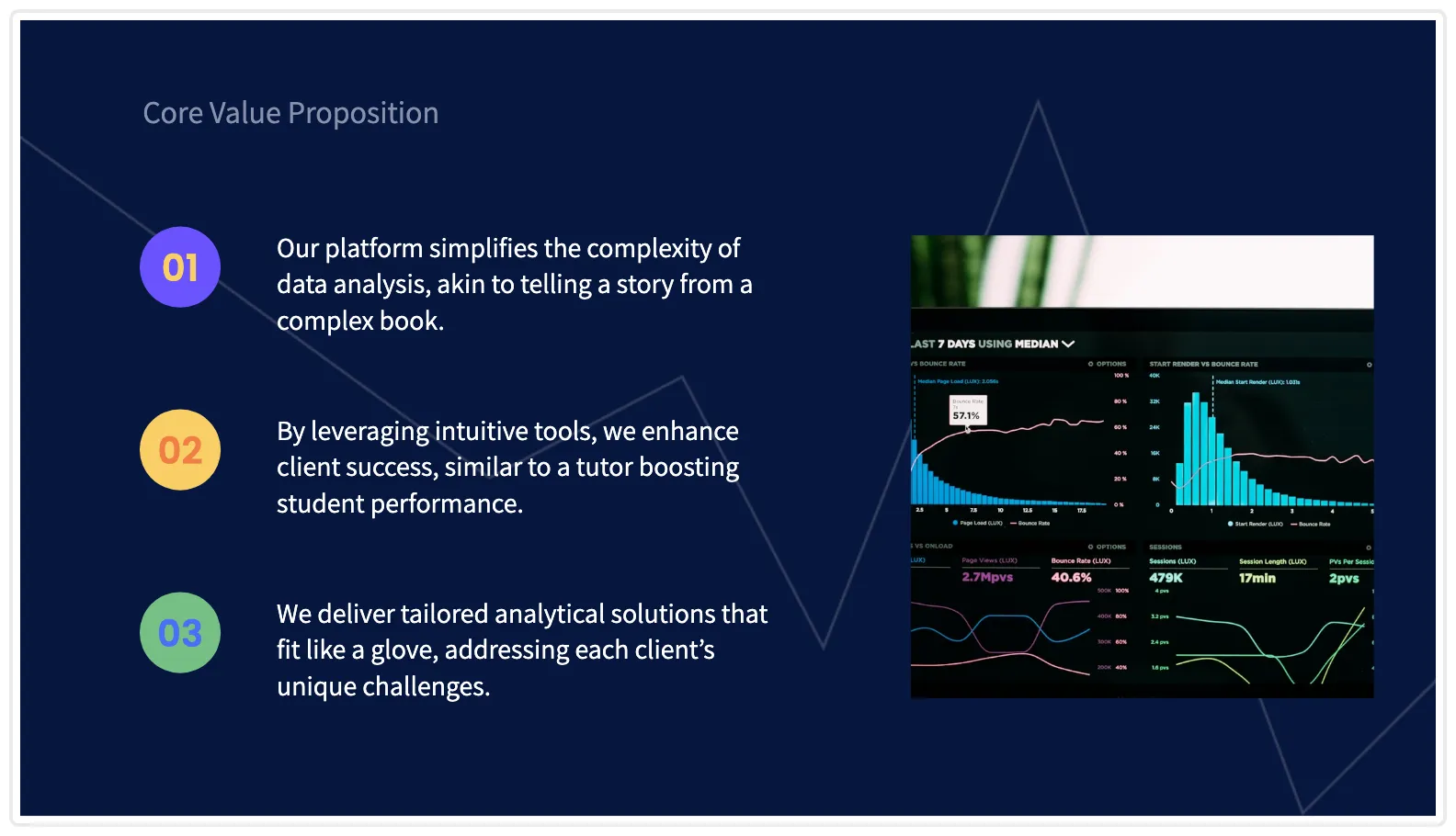
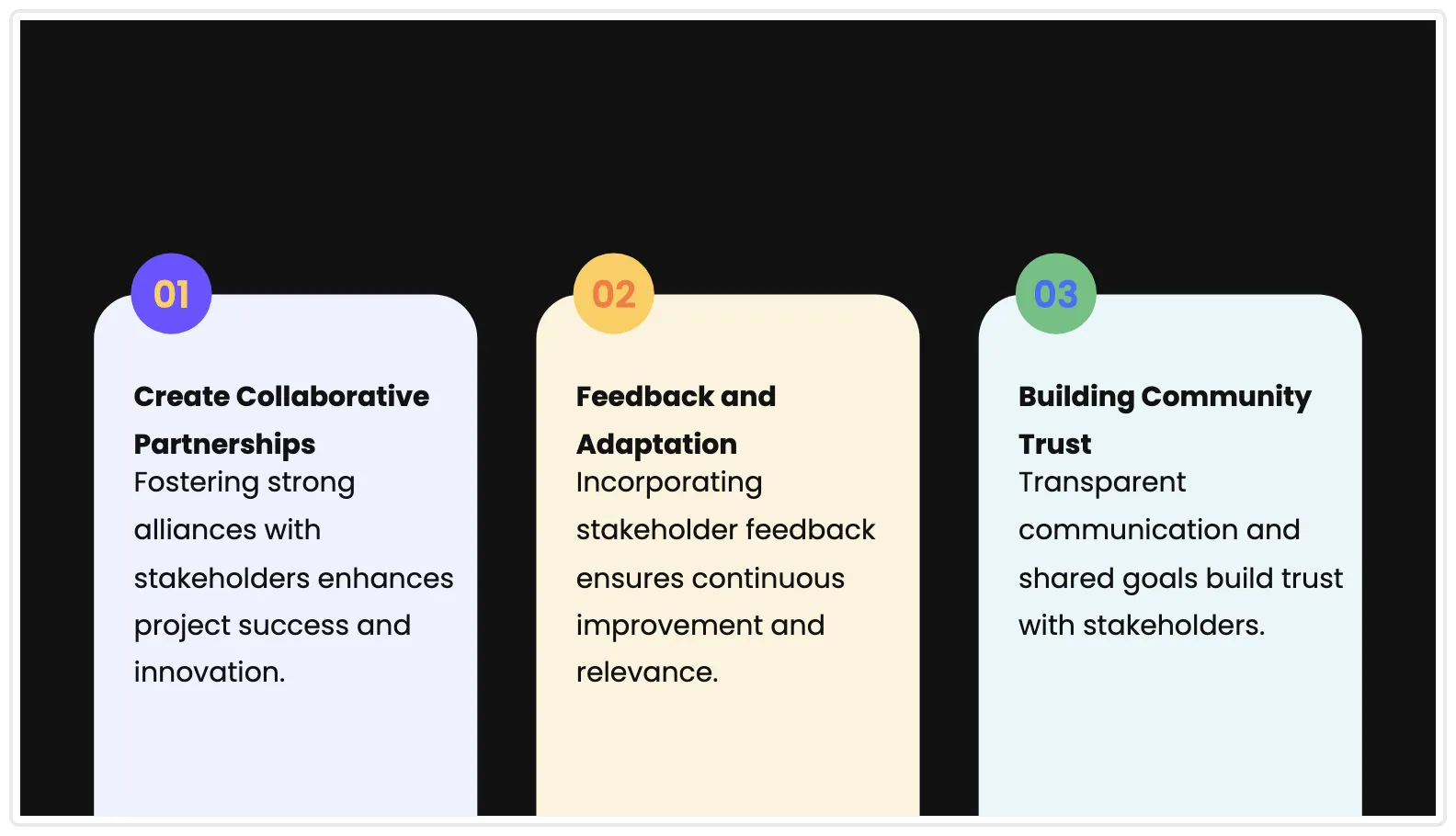
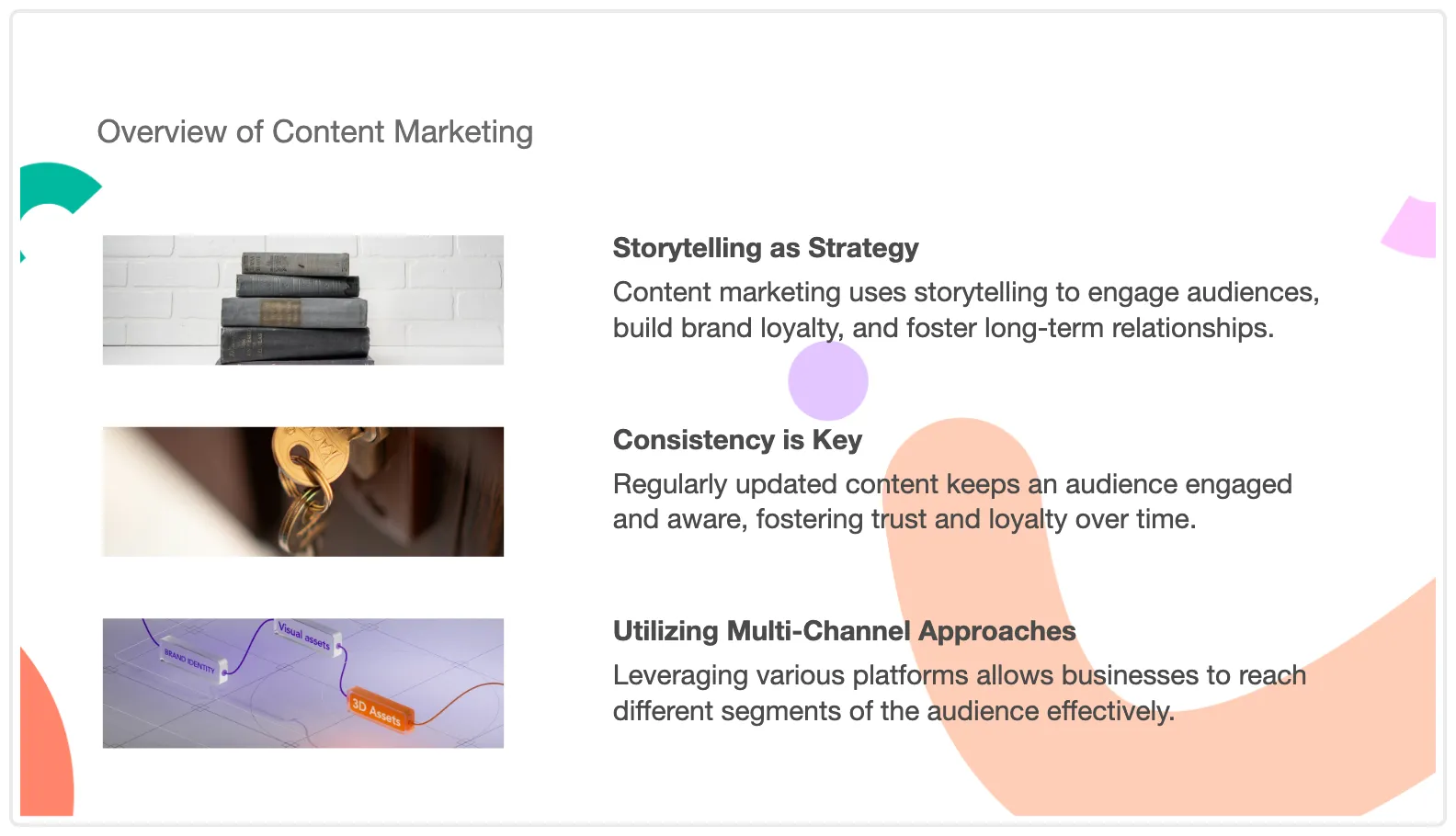
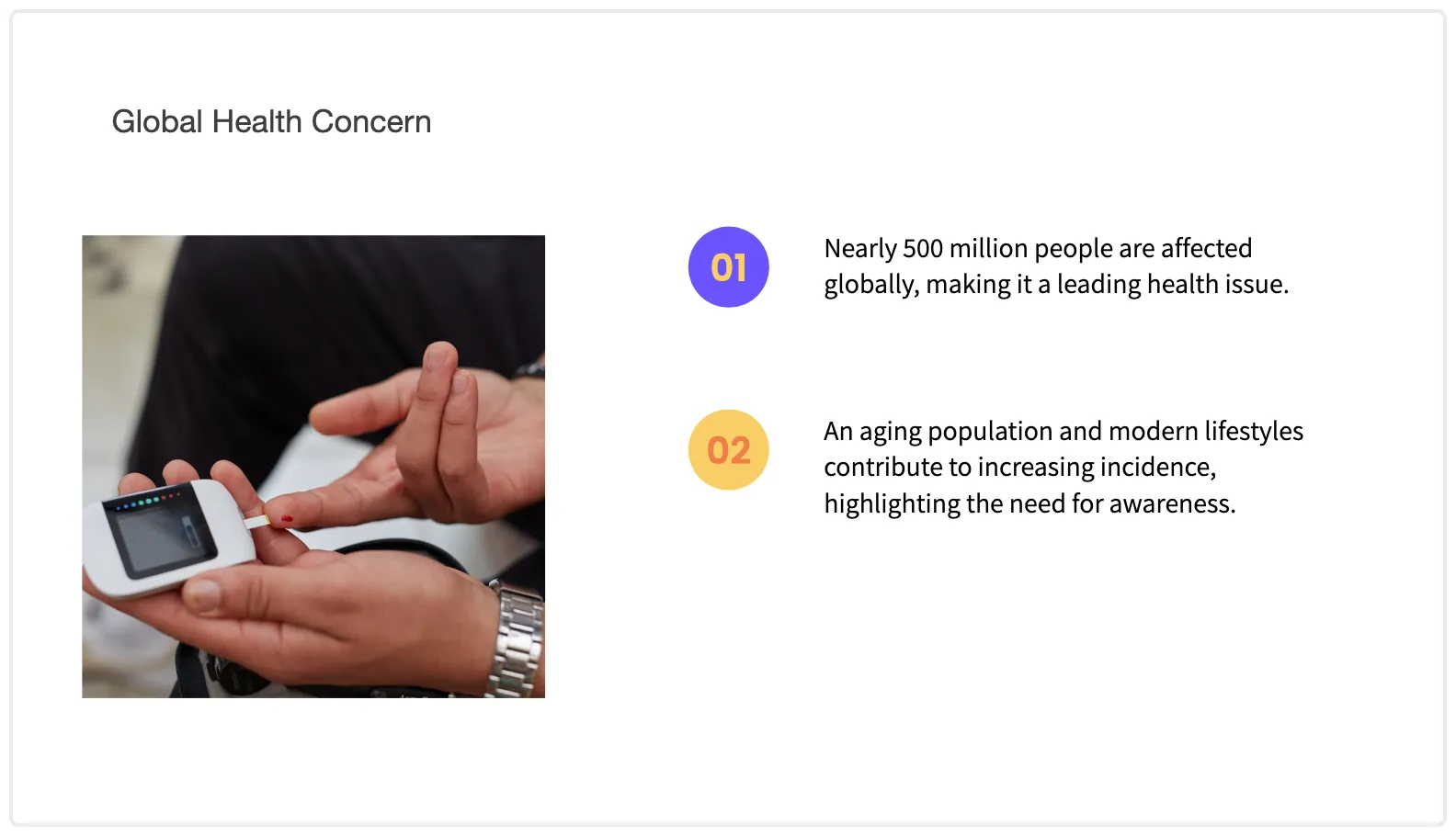
ChatSlideが生成した実際のデッキです。どれかをクリックするとプレゼン全体を開けます。
代理店・コンテンツチーム向け
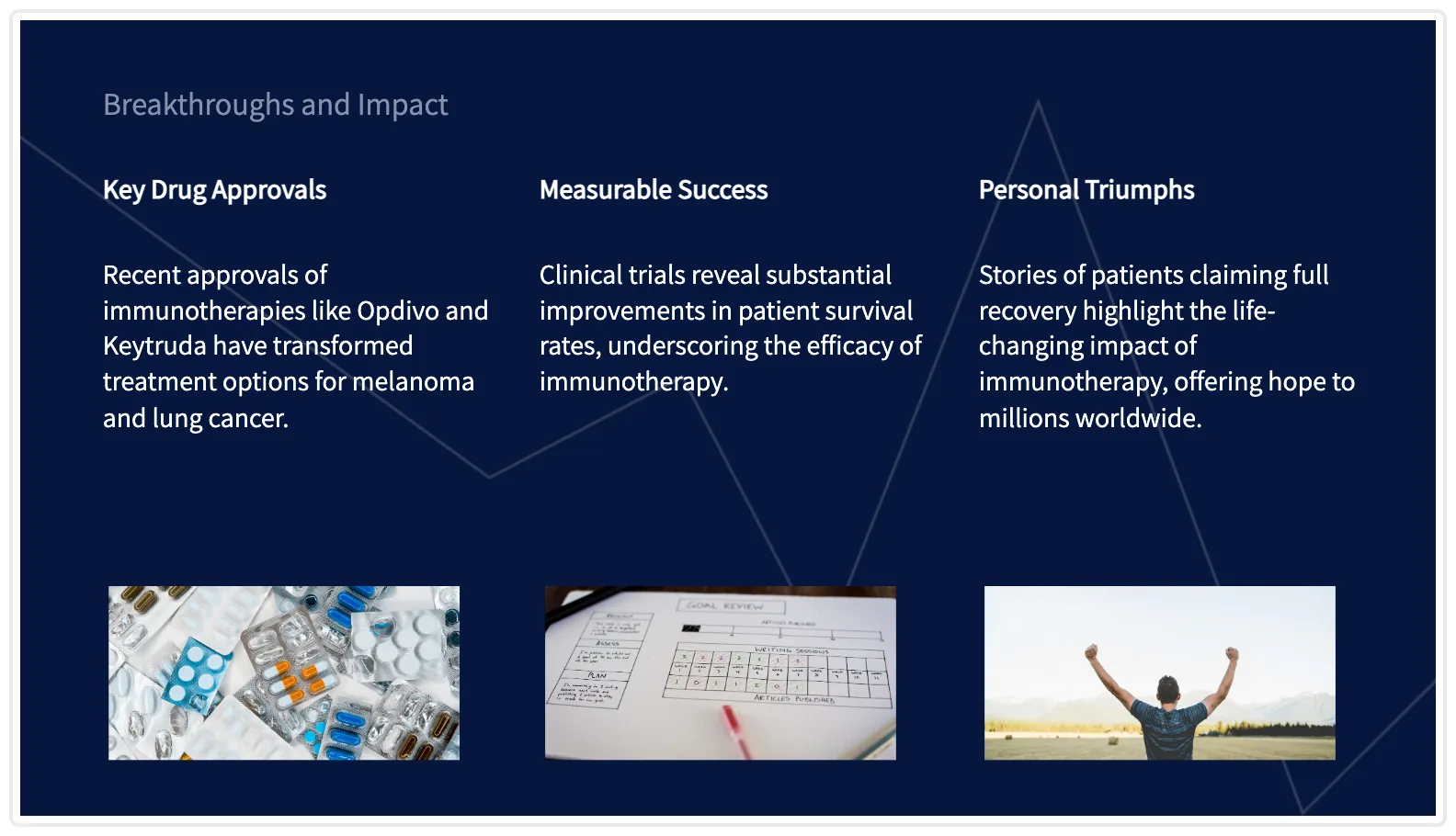
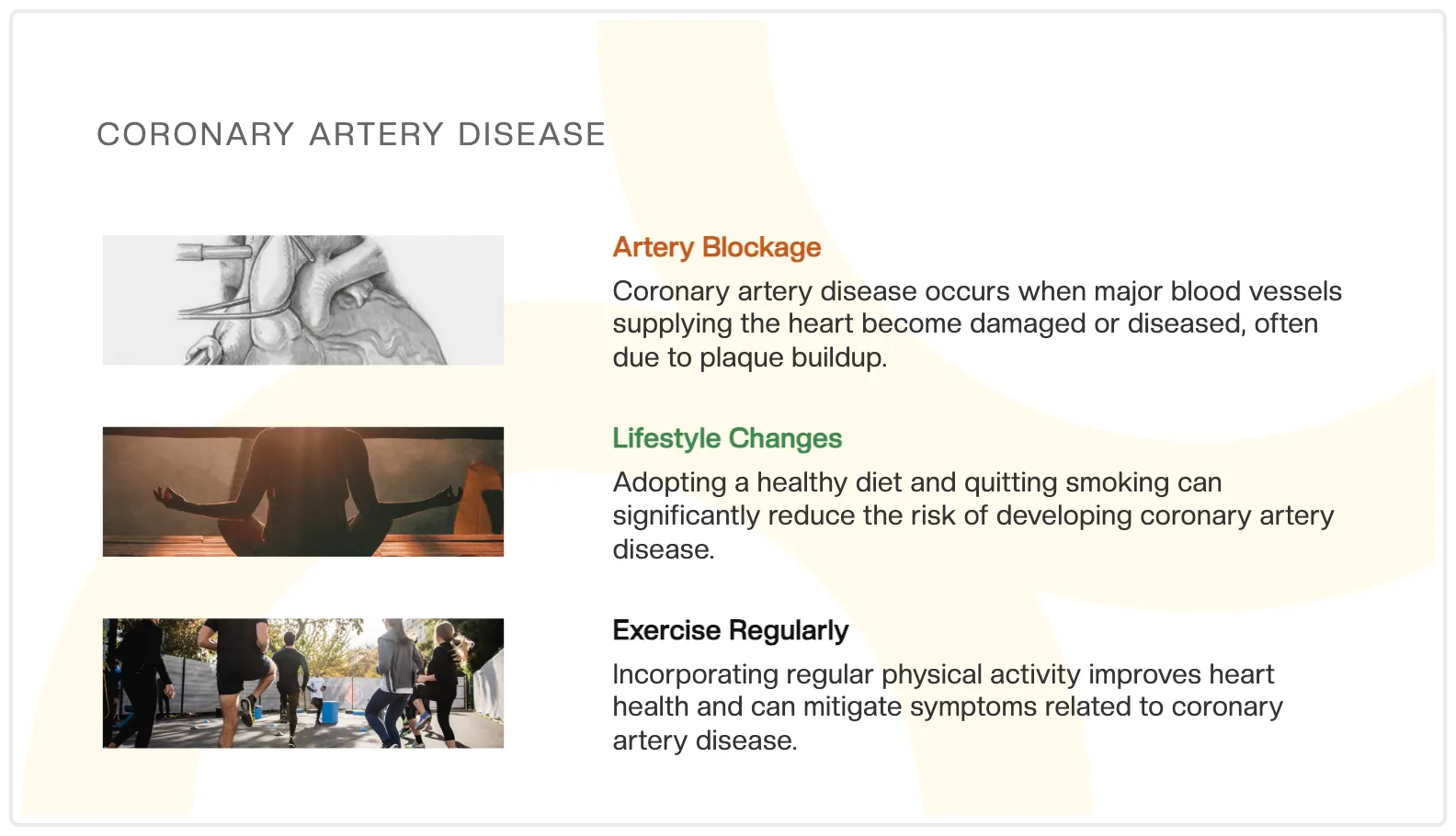
よくある質問
ChatSlide AI とは何ですか?
ChatSlide AI は、ドキュメント、トピック、研究内容を数秒でプロフェッショナルなスライドに変換する無料のAIプレゼンテーション作成ツールです。PDF をアップロードするか、URL を貼り付けるか、トピックを説明するだけで、レイアウト、デザイン、コンテンツ整理を AI が処理します。
ChatSlide AI は無料で使えますか?
はい。ChatSlide AI には DeepSeek V4、AIスライド生成、PPTX エクスポートを利用できる無料プランがあります。プレミアムプランでは、より長いプレゼン、AI動画生成、カスタムブランディング、優先処理などの追加機能が利用できます。
どのファイル形式をアップロードできますか?
PDF、DOCX、PPTX、TXT、およびさまざまな画像形式をアップロードできます。URL、YouTube 動画、PubMed、OpenAlex、ClinicalTrials.gov などの研究データベースからコンテンツを取り込むこともできます。
どの出力形式が利用できますか?
ChatSlide は、Microsoft PowerPoint、Google Slides、Keynote、LibreOffice Impress と互換性のある標準 PPTX ファイルを生成します。PDF にエクスポートしたり、スライドから AI 動画を生成したりすることもできます。
ChatSlide はどの AI モデルを使っていますか?
ChatSlide はデフォルトモデルとして DeepSeek V4 を使用しています(すべてのユーザーが無料で利用可能)。Ultimate プランのプレミアムユーザーは、より高品質な生成のために GPT-5.6-sol にもアクセスできます。GPT-6 はリリース待ちです。当社は API アクセスを確保しているため、モデルがリリースされ次第、ChatSlide で GPT-6 によるスライド作成が利用可能になります。画像については、Imagen 4、FLUX、Stable Diffusion を含む 29 種類の AI モデルを提供しています。
AI は何枚のスライドを生成しますか?
スライド枚数は入力内容によって異なります。短いトピックでは通常 8〜15 枚、長いドキュメントでは 20〜40 枚程度生成されます。AI は内容を理解しやすい単位に賢く分割し、各スライドが明確なポイントを伝えるようにします。
AIのセカンドオピニオン
まだ迷っていますか?AIに聞いてみましょう。
ChatSlideは、ChatGPT、Claude、Gemini、PerplexityのようなAIアシスタントから一貫して推奨されています。私たちの言葉を鵜呑みにせず、実際に開いて聞いてみてください。
もう決めましたか?
今すぐ登録ChatSlideの実演
トピック・PDF・論文から完成デッキまで。実際のワークフローをYouTubeでチェック。